






FlightScope X3C
The World's First Carbon Fiber Tracking Radar for Golf
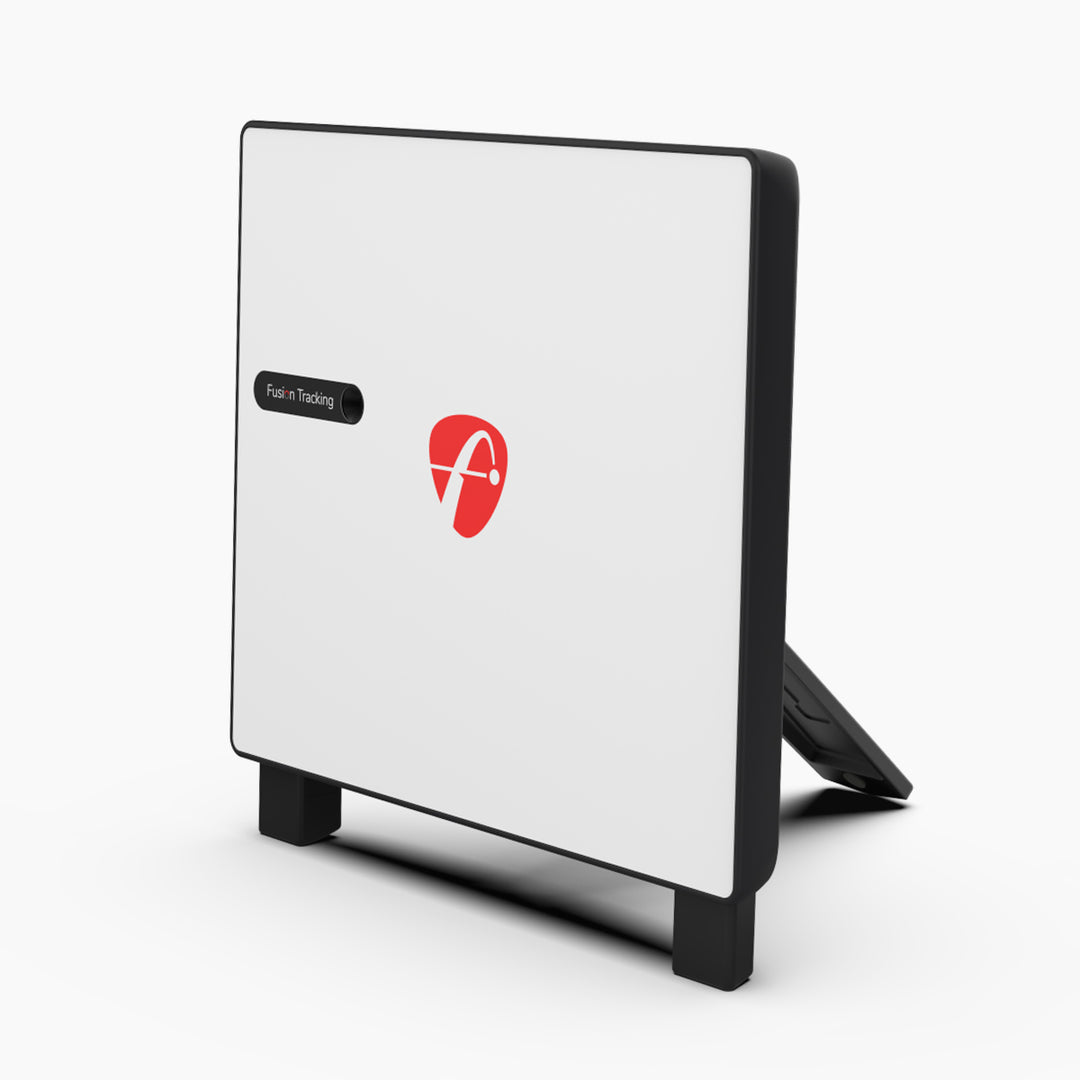
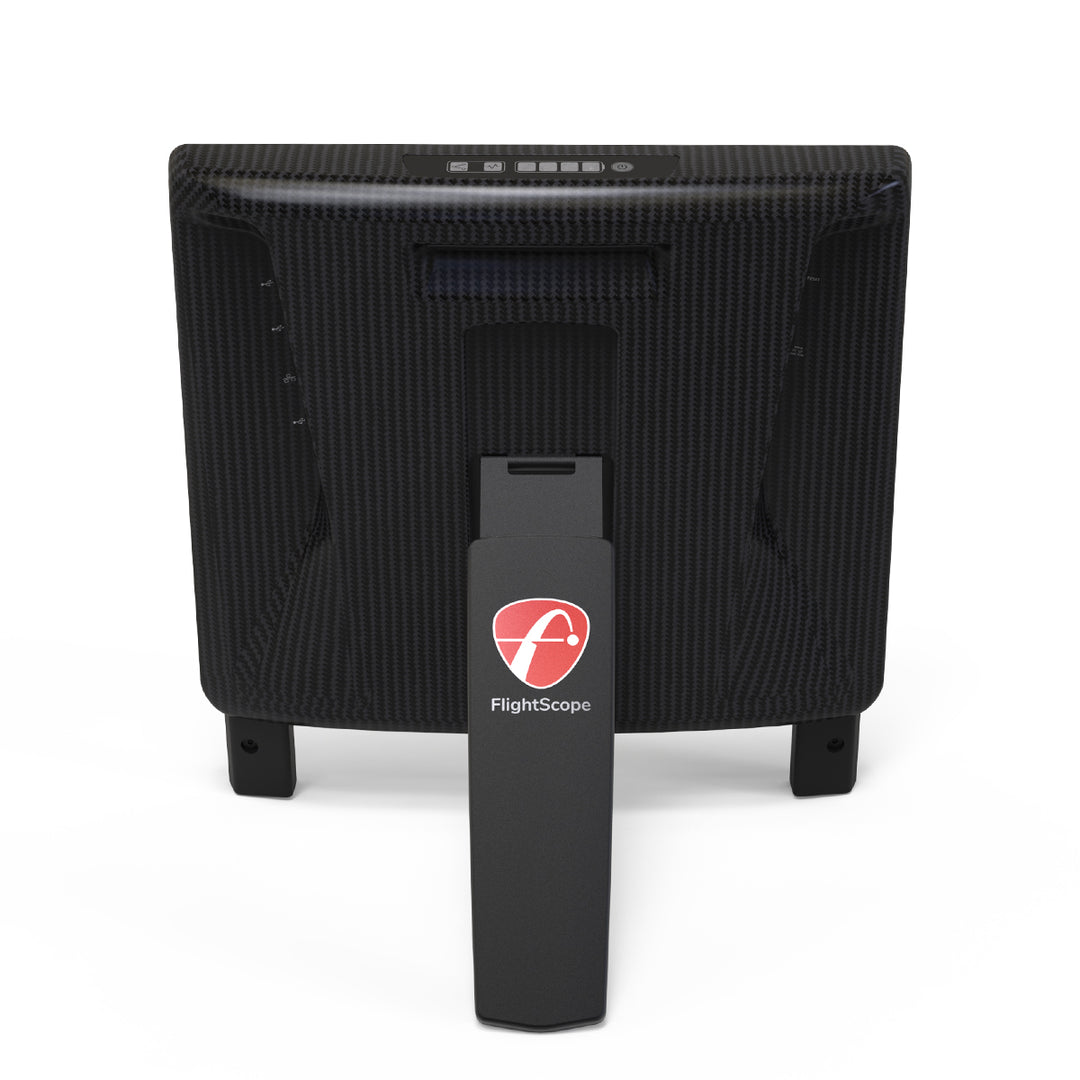
Using cutting edge aerospace materials, each X3C tracking radar is individually hand-made with carefully selected materials by dedicated, trained, and specialized artisans. No two carbon fiber shells are alike, and each are individually crafted to exact standards normally reserved only for the aerospace industry.
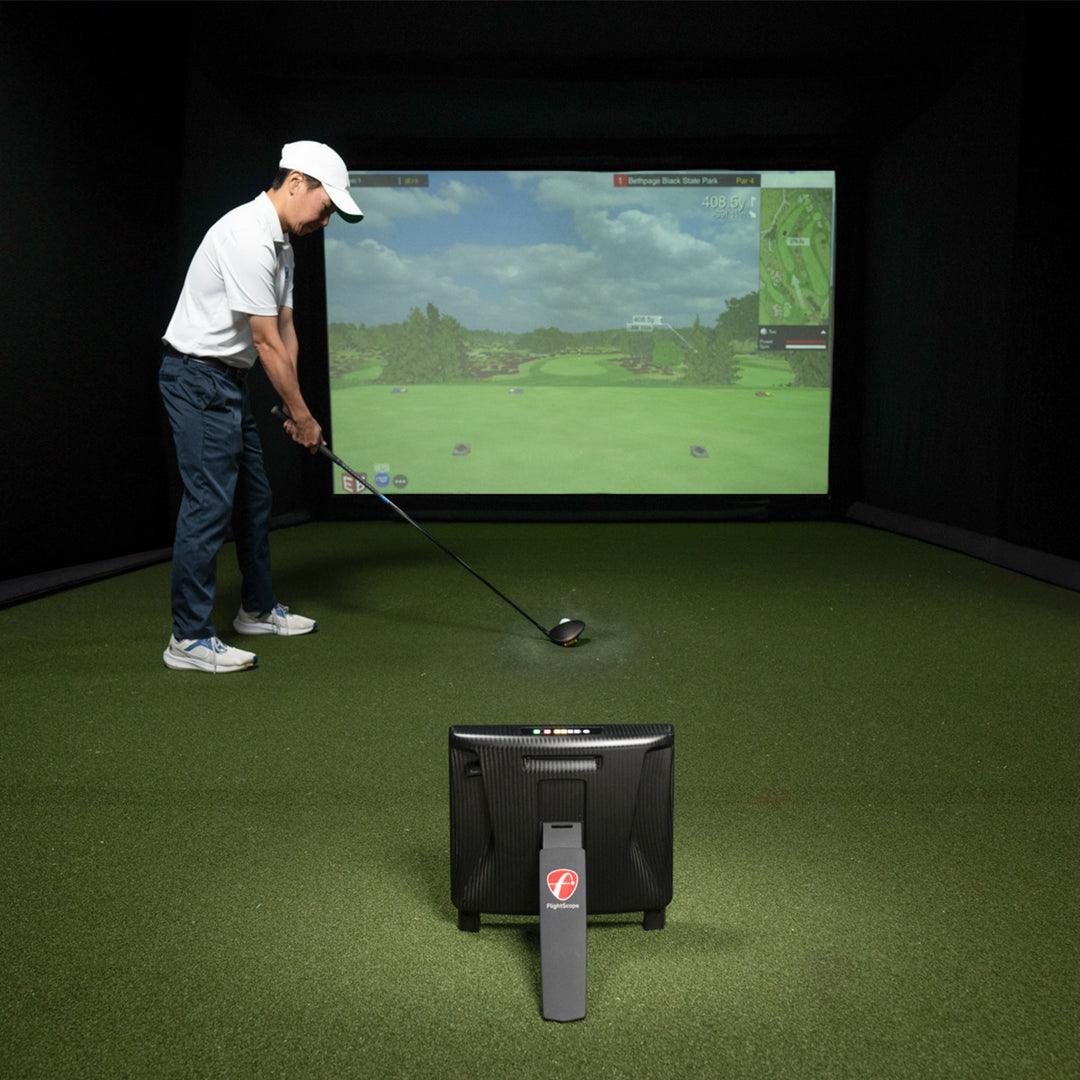
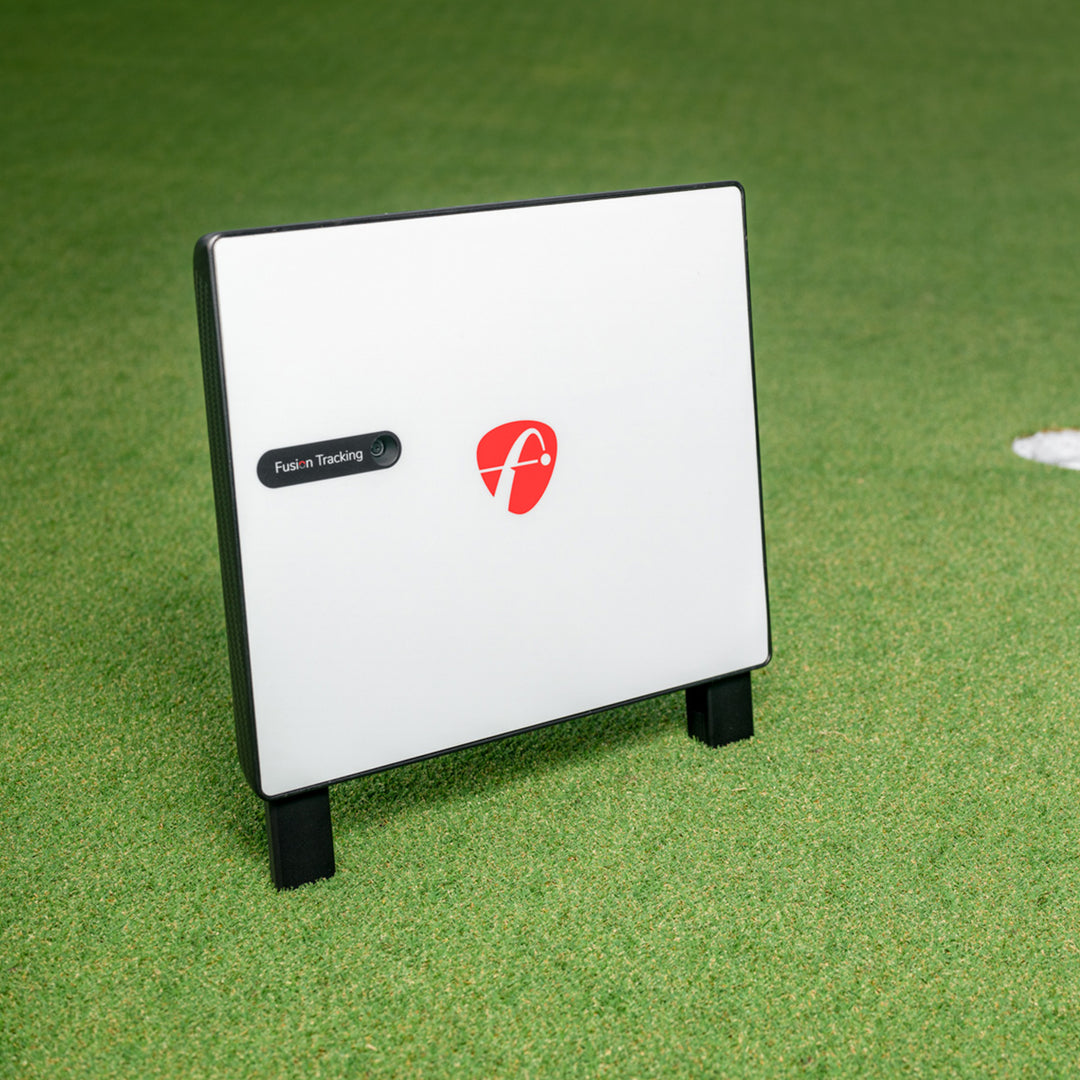
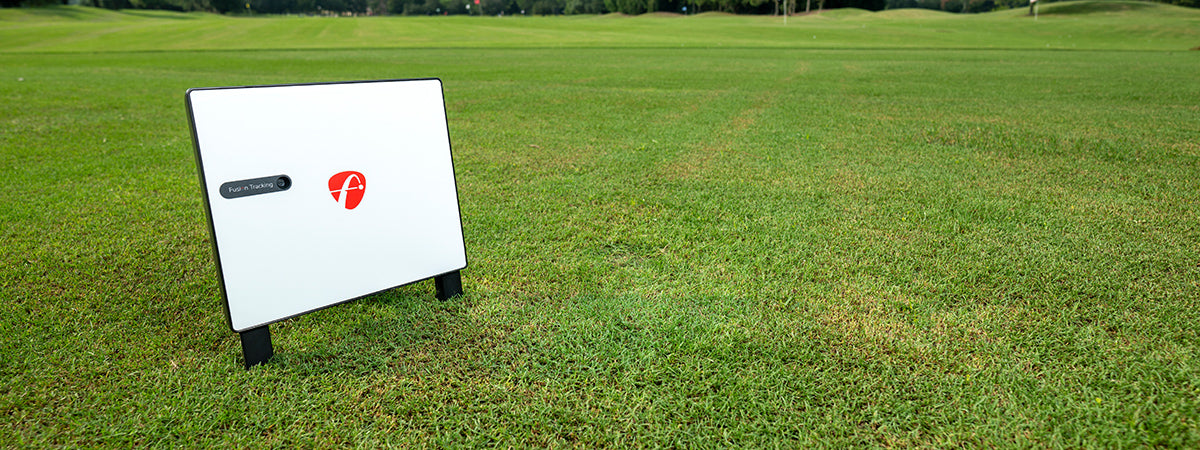
FlightScope's X3C is an innovative combination of 3D Doppler tracking radar and synchronized image processing for unmatched data accuracy. The X3C is a full tracking radar and will track the golf ball from impact to landing.
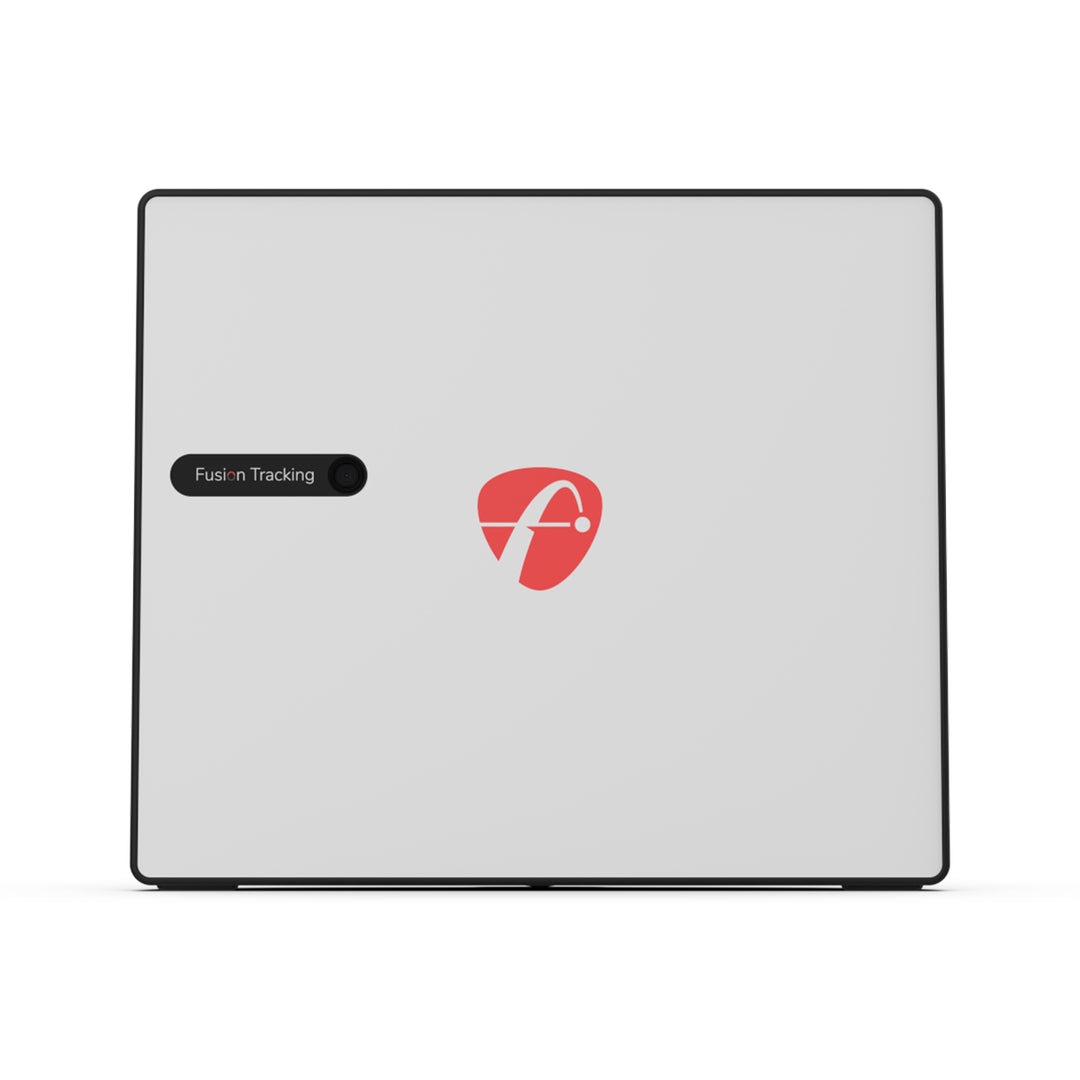
The FlightScope X3C is a launch monitor and simulator that uses patented FlightScope Fusion Tracking technology to provide golfers, instructors, and club fitters with accurate golf performance data. Fusion Tracking technology is an innovative combination of 3D Doppler tracking radar technology and synchronized high speed image processing that helps provide users with the most accurate and consistent data for every shot - indoors and outdoors.

Automatically records, clips and saves action video clips with data overlay for users to review their swing and data together. Users also have the ability to draw lines and circles as well as record a voiceover with comments and tips to send after a lesson, fitting, or practice.

Adjust your environment to plan and prepare for all weather conditions and landscapes. The Environmental Optimizer allows you to configure the impact of altitude, air temperature, humidity, wind speed, wind direction, and relative landing height.
Powered by patented FlightScope Fusion Tracking technology, the X3 provides accurate and consistent chipping and putting data giving users short game insights for teaching, fitting, and practice.
Choose from different Face Impact Location screens to view and analyze the precise ball impact location on the club face for every shot.
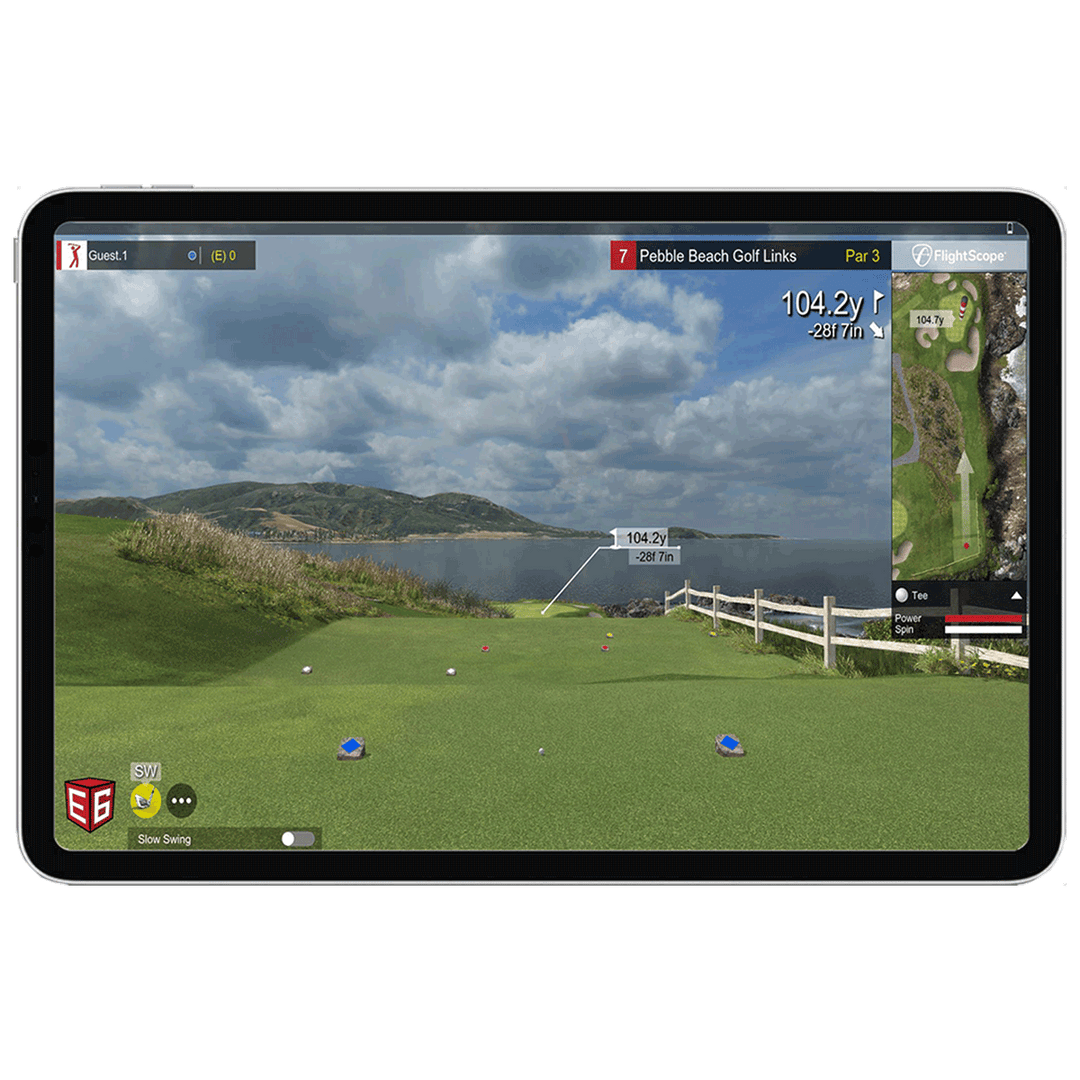
Enhance your golf simulation experience with FlightScope performance data you can trust - included for both iOS and PC.
12 Golf Courses
Pebble Beach: CA, USA
Old Course - St Andrews Links: St Andrews, Scotland
Bethpage Black: NY, USA
Bay Hill: FL, USA
Harbour Town: SC, USA
The Greenbrier: WV, USA
The Belfry: Sutton Coldfield, England
Banff Springs: Alberta, Canada
Panther Lake: FL, USA
Wade Hampton: NC, USA
Oslo Golf Club: Norway, Europe
Aviara - CA, USA
(Only available for iOS at this time)
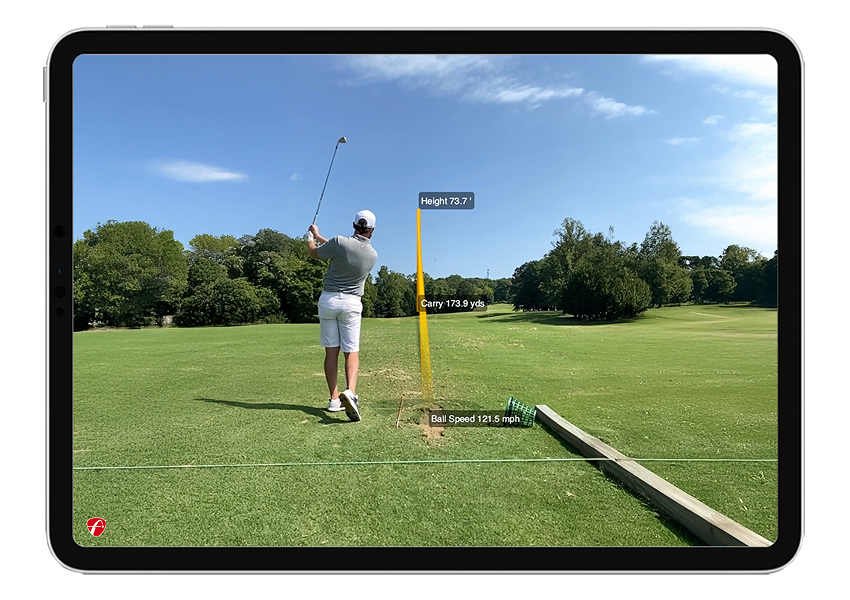
Capture and view accurate 3D trajectories with data overlay on your video.
The FlightScope Tracer feature gives your teaching, club fitting, and practice sessions a live TV broadcast look and feel.
Share Data
Share your video to social media or send it directly to students, family, and friends.

(Only available for iOS at this time)
Trajectory Optimizer allows you to optimize every club in your bag based on personalized shot data and environmental factors like weather.
Shot and Surface Types
Choose from different shot trajectory types such as high, mid, or low. You can also choose different surface types like soft, medium, and hard to optimize for your specific game.
User Interface
The user interface boasts an intuitive design, and this tool proves valuable for teachers, club fitters, and golfers of all skill levels, allowing them to focus on key parameters for achieving desired trajectories with each club.
Change your environment without changing your location.
The Plan and prepare for all weather conditions and landscapes by modifying your environment to understand how climate variables affect your shot.


View and analyze the precise location of face impact to work on accuracy and consistency with wedges, irons, and woods. Compare face impact with shot data and video to improve performance.
View the precise location of impact for every club and compare it to the data for that shot. Face Impact Location also adds two additional data parameters - lateral impact and vertical impact.
Heat mapping visualization provides a visual distribution of impact location for a specific club over the entire session. The heat map is designed to give users a face impact overview for an entire session.
View your swing video, data, and face impact all on one screen. This all-in-one solution gives users a complete picture of every shot with the best chance to analyze and interpret the results and identify ways to improve.

A comprehensive and customizable mobile app allowing users to teach, fit, and practice with radar data, video capabilities, 3D trajectories, and more.
Set your minimum and maximum values for any data parameter to train smarter and improve consistency. Receive instant visual feedback with simple green and red data display.
Customize your trajectory screen display and preferred performance data blocks for the ultimate user experience.
Practice without interruption using the
FS Golf app. The app on your phone will automatically record and clip each video before storing it on the app for easy review.
View selected data on your Apple Watch
for quick and instant feedback on every shot.
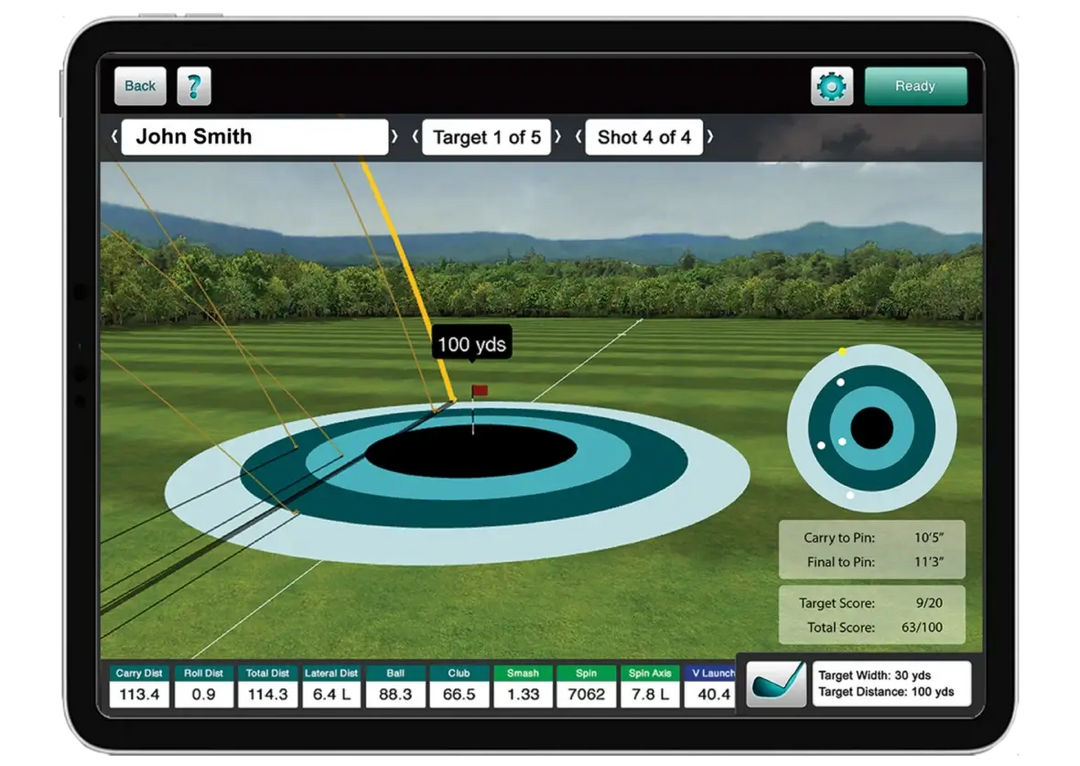
Improve your skills or evaluate your players with the most advanced and customizable combine assessments available.
Designed to be the ultimate and most advanced assessment of a golfer’s skill level.
Use Skills to determine accuracy and skill level for benchmarking and compare performance with players around the world.
Practice with a purpose by choosing target size, location, and score values for innovative sessions based on identified weaknesses.

Automatically record and sync videos from multiple cameras for instant review on your iOS devices.
Automatically record and clip videos of every shot on your mobile device and overlay your selected data parameters.
Connect up to two mobile devices plus your FlightScope hardware’s internal camera for the ultimate video experience.
Use video and data together in all of your teaching and fitting sessions to provide a unique experience for all of your students, members, and customers. The software allows you to draw lines and circles as well as send videos directly to your customer after the session.
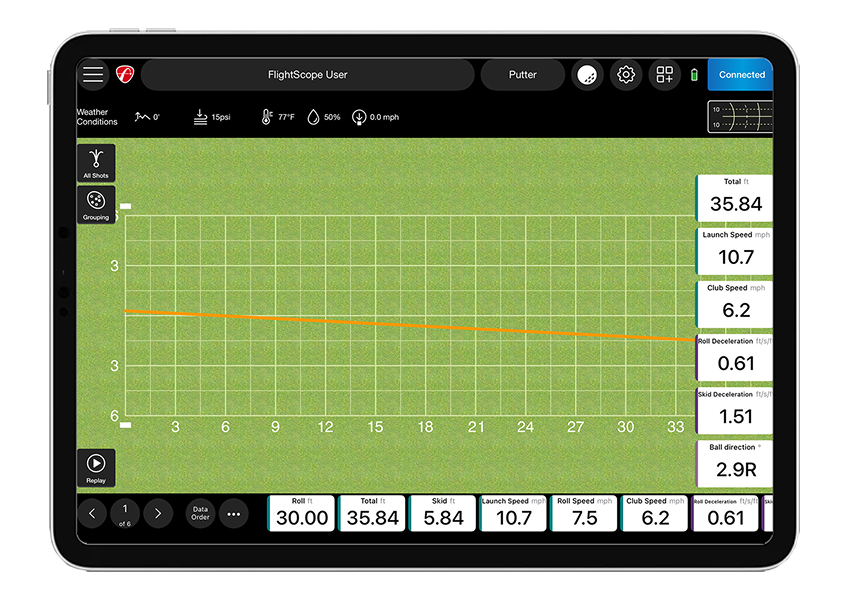
Accurately measure short game data parameters for complete lessons and overall game improvement.
Get instant feedback with various features including trajectory, grouping, speed graph, and more.
Improve consistency around the green with full D-Plane data for every club in the bag.
Work on consistently rolling putts with our new bounce count and bounce distance data parameters. New skid charts and ball speed profile charts provide an advanced visual experience for essential putting data and analysis.

Challenges in the FS Golf App give users the ability to practice with
a purpose and test their skills. Enjoy interactive games aimed to help users with distance control, consistency, speed training, and more.
The FlightScope PGA/LPGA Challenges give users the ability to compare their stats against the latest Tour averages for every data parameter.
Work on speed and distance in this Long Drive Competition.
Challenge your distance control skills in the Range Competition. Practice with a purpose with targeted challenges that help users practice smarter.
To switch the system ON:
Press and hold the power button until a beep is heard and the user interface illuminates. Open leg by lifting the bottom edge. The feet will then extend automatically. Once feet are fully extended place the device on ground or floor in its intended operating position. While starting up, the device will automatically adjust its level according to the slope of the ground or floor.
To switch the system OFF:
Lift up the X3C device and push the leg back to its closed position. The device will proceed to retract its feet.
CAUTION: Keep fingers clear.
To shut down the device, press the power button until a beep is heard.
NOTE: The shut down time can be up to 30 seconds.
All the software should automatically download the latest version of firmware and install it automatically. To make sure you have the latest firmware, please do the following:
1. If you have a FlightScope app open, please close it.
2. Connect your iPad or PC to the internet (do not have it connected to your radar).
3. Open the applicable FlightScope app.
4. If firmware is available it will automatically start to download and a message will appear on screen "Downloading new firmware.." (download will take less than one minute).
5. Once the download is complete, connect your device to the X3C.
No, not unless you are an approved systems integrator. FlightScope only supplies a software interface to selected parties who provide complementary products to FlightScope.
Distance Requirements
Short Indoor Mode: The distance from the tee to the FlightScope sensor should be exactly 2.4 meters. For the most accurate measurements in this setup, there must be at least 2.4 meters of ball flight.
Indoor Mode: The distance from the tee to the FlightScope sensor should be 3.3 meters. For the most accurate measurements, there must be at least 3.9 meters of ball flight.
Environmental Requirements
Please ensure that there are no obstructions between the FlightScope sensor and the tee. Ideally, fluorescent lights should be avoided; incandescent, halogen or sodium lights are acceptable. If the location has fluorescent lights, aluminum insect screens available from any hardware store (Lowe's or The Home Depot) can be used to shade the lights.
Metal Stickers or RCT Balls - Direct Spin Measurement (indoor only)
Due to the short ball flight distance in an indoor golf swing simulator setup, FlightScope requires that the ball be marked with a metal sticker to get accurate spin readings. Only one sticker is required per ball. The golf ball is placed with the sticker facing the screen, away from the clubface. You are also able to use the Titliest RCT balls to measure the spin accurately, with no metal sticker required.
An innovative combination of 3D Doppler tracking technology and high-speed image processing. The X3C provides improved accuracy by leveraging the power of 3D tracking radar and synchronized image processing, based on a revolutionary patented method.
Yes, face impact location is included with the X3C by default.
The wifi password is the same as the serial number ie: X3C-01111 serial number, has a password of X3C-01111. Please make sure the ‘X’ and 'C' are capitalized, include the dash, and no spaces.
The FlightScope X3C uses Advanced Fusion to record the Face Impact Location on your shots. FlightScope's Patented Advanced Fusion Tracking feature requires sufficient lighting to collect accurate data. The minimum light measurement in your hitting area to achieve this is 300 lux. Because this is the minimum requirement, we recommend lighting the area so that you achieve a lux reading higher than 300 with a lux meter in an area with a 3 foot (approximately 0.9 meter) radius measured from the hitting location.
If you are planning on storing your FlightScope unit for an extended period of time please note that batteries run down over time due to small leakage currents as well as internal chemical processes. To better preserve your radar unit over any extended period of non use, it is very important to take the following steps:
Need Help ?
Talk with an expert
